How Much Does eSignature Software Cost in 2026?
Listed 2026 prices for DocuSign, Dropbox Sign, PandaDoc and Adobe, with worked costs for 1, 4 and 25 users and the hidden fees to check first.
On this page (7)
Most eSignature software costs $11 to $49 per user per month on listed plans. The price you actually pay depends on seats, document volume and API use, so the cheapest plan on the page is often not the cheapest for your team.
Listed prices by vendor
Prices are in US dollars, exclude tax and were checked on 3 November 2026. Vendors can change them at any time, and they may differ by country.
| Vendor and plan | Listed price | Volume limit | Source |
|---|---|---|---|
| Docusign Personal | $11 a month, billed annually ($132 a year) | 5 envelopes a month | Docusign |
| Docusign Standard | $30 per user a month, billed annually | 100 envelopes per user a year | Docusign |
| Docusign Business Pro | $45 per user a month, billed annually | 100 envelopes per user a year | Docusign |
| Dropbox Sign Essentials | $15 a month, billed annually ($180 a year) | Unlimited requests, 1 user | Dropbox Sign |
| Dropbox Sign Standard | $25 per user a month, billed annually | Unlimited requests, 2 users minimum | Dropbox Sign |
| PandaDoc Free | $0 | 5 documents a month, shared | PandaDoc |
| PandaDoc Starter | $19 per seat a month, billed annually | Unlimited uploads and e-signatures | PandaDoc |
| PandaDoc Business | $49 per seat a month, billed annually | Unlimited; bulk send and web forms use credits | PandaDoc |
| Adobe Acrobat Standard for teams | $16.99 per user a month, annual term | Not stated | CostBench (matches Adobe's page) |
| Adobe Acrobat Pro for teams | $23.99 per user a month, annual term | Not stated | CostBench (matches Adobe's page) |
Enterprise tiers from these vendors are quote-only. Adobe's page lists e-signature workflows on Pro, so check that Standard covers what you need.
How vendors charge
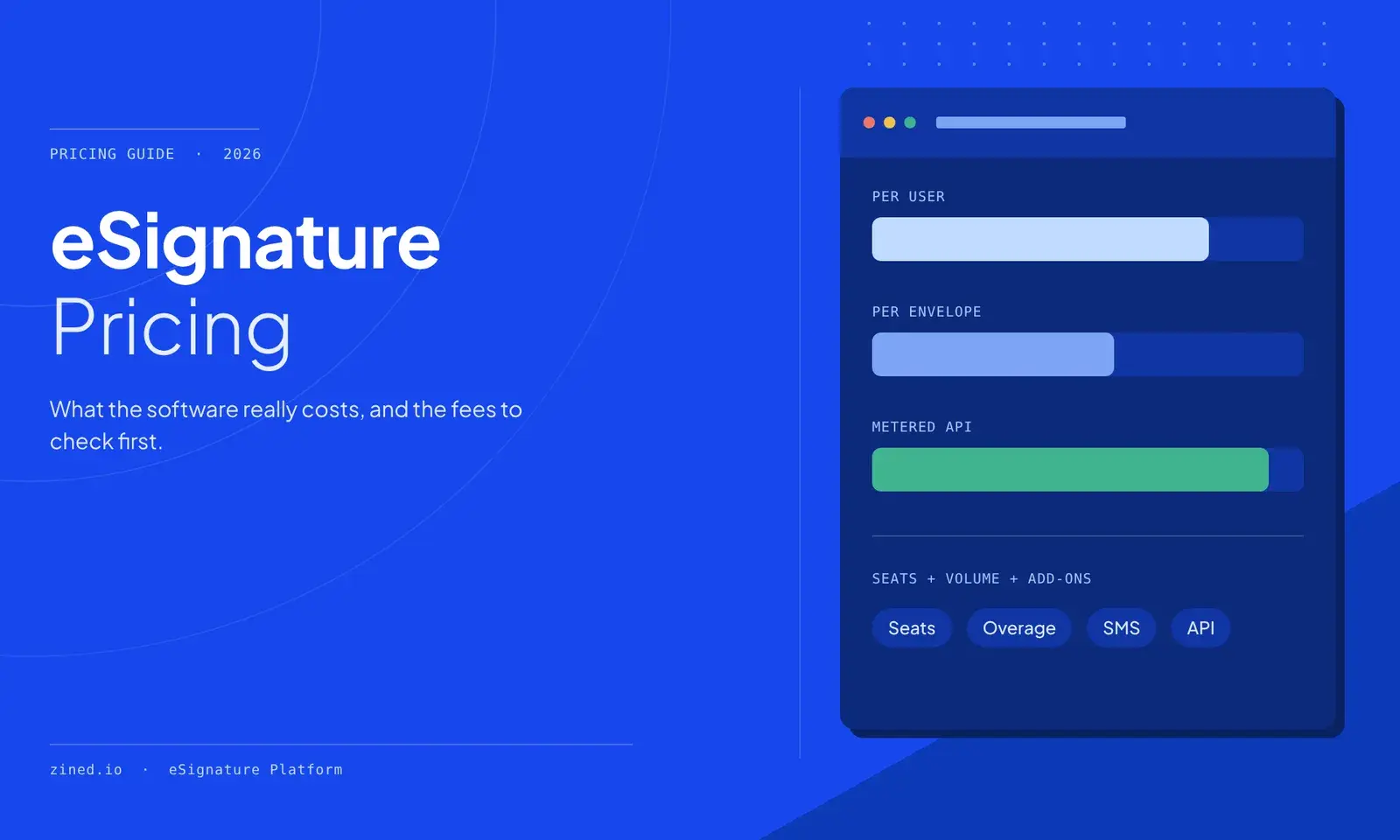
Three pricing models explain most of the difference between quotes.
- Per user. You pay for each person who sends documents. Signers usually do not need a seat. This suits small teams, but the cost climbs with headcount even if volume stays flat.
- Per envelope or document. Plans include an allowance, and extra documents cost more. Docusign's Standard and Business Pro include 100 envelopes per user a year, then bill extras pay-as-you-go. That is roughly 8 per user a month.
- Metered API. Embedding signing in your own product, for example through a developer API, is usually priced separately. Docusign's developer plans run from $50 a month for 40 envelopes to $480 a month starting at 100 envelopes, billed annually.
An envelope is one package sent for signature. It can hold several documents and signers, so check how each vendor counts before comparing limits.
What it costs in practice
These examples use the listed annual prices above. They are simple arithmetic, not quotes, and they exclude tax and overage charges.
| Plan | 1 user | 4 users | 25 users |
|---|---|---|---|
| Docusign Personal | $132 | Not offered | Not offered |
| Docusign Standard | $360 | $1,440 | $9,000 |
| Docusign Business Pro | $540 | $2,160 | $13,500 |
| Dropbox Sign Standard | 2 users minimum | $1,200 | Contact sales |
| PandaDoc Starter | $228 | $912 | $5,700 |
| PandaDoc Business | $588 | $2,352 | $14,700 |
| Adobe Acrobat Standard for teams | $204 | $816 | $5,097 |
Volume can change the ranking. A 25-person team on Docusign Standard gets 2,500 envelopes a year. If it sends 6,000, the allowance covers about 42% and the other 3,500 are billed as extras. That team should ask for a custom quote, and should model unlimited-volume plans next to envelope-based ones.
Hidden costs to check before you sign
The sticker price rarely covers everything. Ask each vendor about these items in writing.
- ☐ Overage rate. Docusign says extras are billed at a per-envelope rate, so get yours before you commit.
- ☐ Feature gates. Bulk send sits in Docusign Business Pro, not Standard. PandaDoc's bulk send and web forms require usage credits.
- ☐ Identity checks and SMS. Docusign Standard includes one-time bonuses of 5 SMS deliveries and 5 ID verifications, so regular use costs extra.
- ☐ API access. Check whether the API is included, or sold as a separate plan.
- ☐ Annual lock-in. Adobe's terms for annual plans billed monthly can include a fee of up to half the remaining commitment if you cancel after 14 days.
- ☐ Auto-renewal and price rises. Note the renewal date and any cap on increases.
- ☐ Migration. Ask how you can export signed documents and audit trails if you leave.
FAQ
How much does Docusign cost? Listed plans run from $11 a month for Personal to $45 per user a month for Business Pro, billed annually. Enhanced plans are quote-only.
Is there a free eSignature tool? Yes, with limits. PandaDoc's free plan covers 5 documents a month. Free Adobe Acrobat Reader lets you sign a PDF yourself, but that is different from sending documents out and tracking them.
Do signers need to pay? Usually not. Most plans charge for senders, so confirm this with the vendor.
Which pricing model is cheapest? Per-user plans with unlimited volume tend to suit small teams that send a lot. Envelope plans can suit large teams that send little per person. Run your own seats and volume through the table above.
Comparing options for your team
Start with two numbers: how many people send documents, and how many documents you send a year. Those two figures settle most of this comparison.
Zined is one option to include in that comparison. Its listed plans include a free tier, and a Business plan at $540 a year for up to 10 users and 1,000 documents. For a closer look at specific vendors, see how it compares to Docusign, PandaDoc and Dropbox Sign. Check the current details against your own numbers.
Sources
Put the ideas into practice
Build a faster signature workflow with Zined
Use automated sends, reusable templates, AI-assisted reviews, and enterprise-ready controls to move agreements forward without adding friction for signers.
Keep reading
Related articles

Electronic Signature vs Digital Signature: What's the Difference?
An electronic signature shows intent. A digital signature uses cryptography to prove identity and integrity. See how they differ and when to use each.
What Is Contract Lifecycle Management (CLM)?
Contract lifecycle management explained: the stages, what CLM software does, market data, KPIs to track and how to tell if your team needs it.

Are Electronic Signatures Legally Binding? A Country-by-Country Guide
Electronic signatures are legally binding in the US, EU, UK, Australia, Singapore and India, with exceptions. See the laws, the exclusions and what courts have said.